 pet
How do I make a dog or cat portrait from a photo?
Choose a portrait look, upload a clear photo of your dog or cat, and check the watermarked preview. To appear alongside your pet, add a separate photo of yourself.
Which photo works best for a dog portrait?
Use a photo at eye level that shows both ears and the shape of the muzzle. For a dark-coated dog, turn toward a window so the eyes and the outline of the nose stand apart from the fur.
Which details matter for a cat portrait?
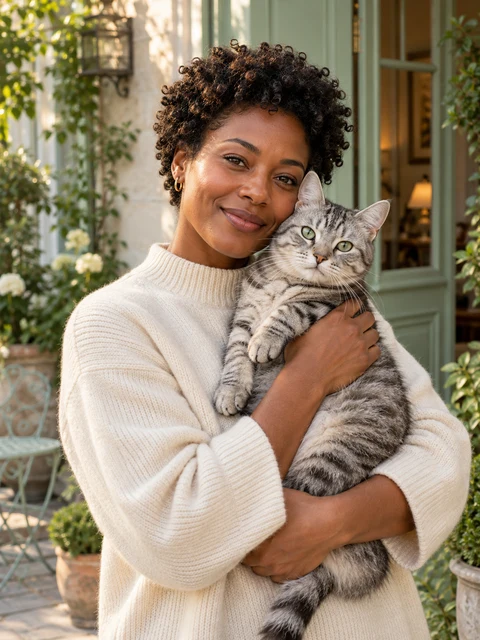
Choose a sharp photo that shows the eyes, ear tips and cheek markings. If your cat has a white bib or an uneven stripe down the nose, include it in the frame. Check those details again when the preview arrives.
Can I use a background of my own?
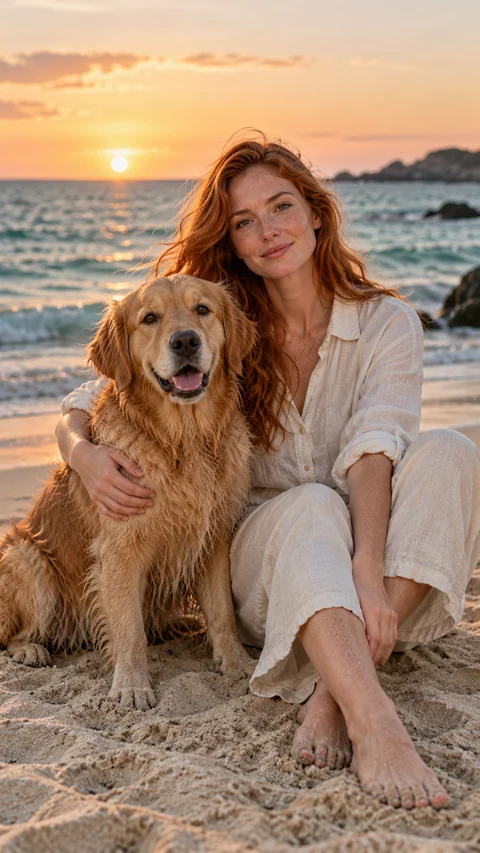
Yes. Pick a studio look or describe a setting, such as your kitchen window or the beach where you walk your dog. The reference photo supplies the likeness. Your choice of scene guides the setting.
What will I receive?
You can inspect the preview before buying. Purchased portraits include the original file, an HD export and an upscaled 4K JPEG. Learn how to give a portrait.
Choose a portrait lookPhoto guidance by Pratik Parida, founder of PetPlus.